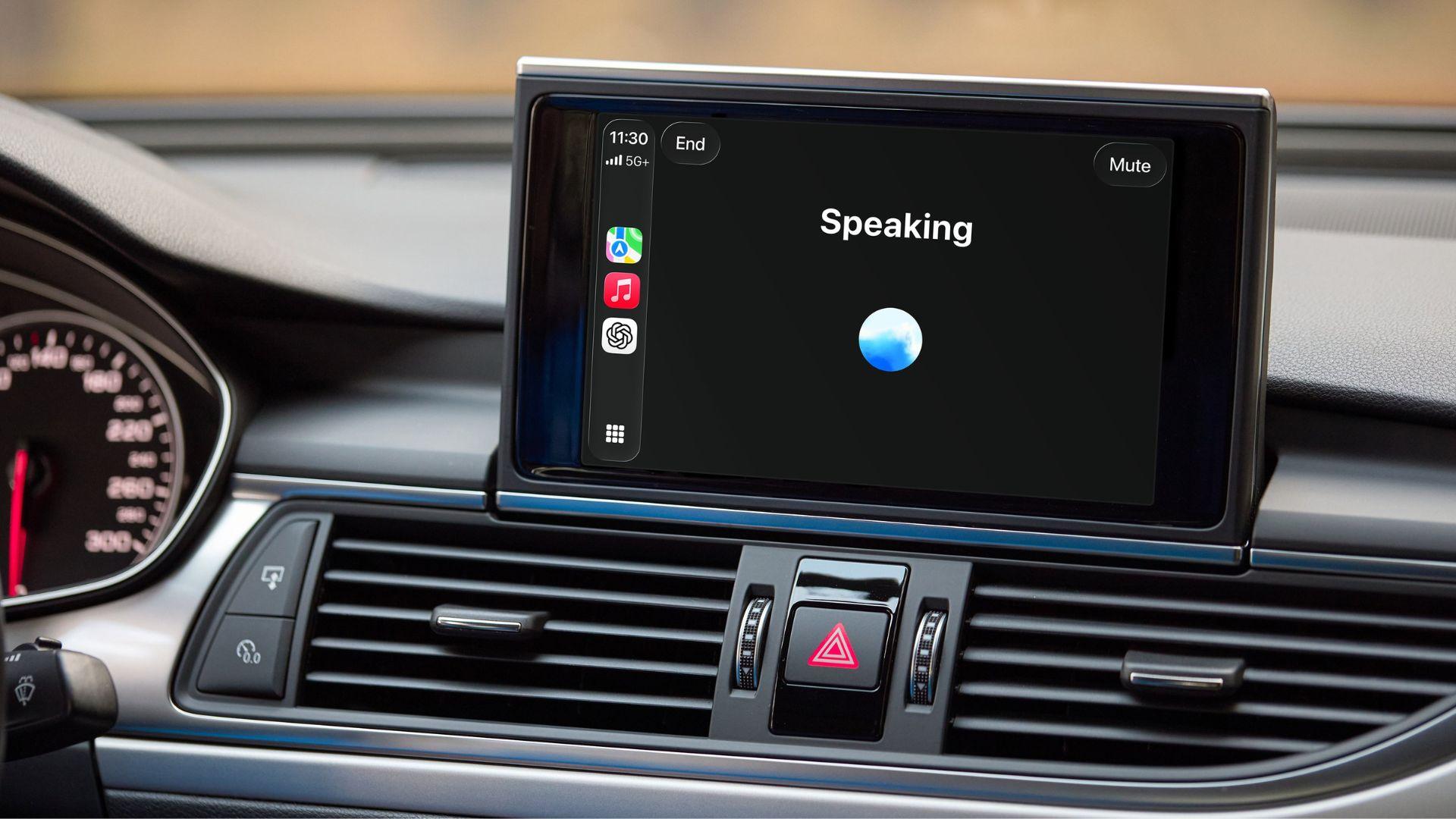
OpenAI is bringing ChatGPT to Apple CarPlay, allowing users to start voice conversations directly from their car screen while driving. According to OpenAI, the feature is rolling out to supported iPhones running iOS 26.4 or later and will be available globally across all ChatGPT plans. As per OpenAI, the integration is designed to let users start or continue conversations hands-free, access ongoing chats and projects, and interact with the chatbot without needing to use their phone, while keeping the experience simple and focused for in-car use.
ChatGPT in CarPlay: What it offers
According to OpenAI, ChatGPT in CarPlay focuses on voice interactions. Users can ask questions, continue ongoing chats, or work on saved projects directly from the car’s display. OpenAI noted that while the experience is designed for ease of use while driving, some features available on the phone or desktop version may not be supported in CarPlay. The idea is to keep the interface simple and distraction-free.
According to Engadget, the chatbot cannot control vehicle functions, meaning users will still need Siri to adjust settings like temperature. The report also pointed out that, due to Apple’s restrictions, users cannot activate ChatGPT with a wake word like Siri. To resume a previous conversation, users must manually open the ChatGPT app on CarPlay and select a recent or pinned chat.
Requirements to use ChatGPT in CarPlay
As per OpenAI, users need to meet the following requirements before using ChatGPT on CarPlay:
-
A supported iPhone running iOS 26.4 or later -
The latest version of the ChatGPT app -
A car that supports Apple CarPlay
Steps to start a voice chat
OpenAI has outlined the steps to begin a conversation in CarPlay:
-
Connect your iPhone to your car to launch CarPlay -
Open ChatGPT from the CarPlay screen -
Select “New voice chat” -
Wait for the status to change from “Connecting” to “Listening” -
Speak your prompt to begin the conversation
Steps to start a voice chat in a project
Users can also continue work within existing projects. According to OpenAI, the steps include:
-
Open ChatGPT in CarPlay -
Go to the “Projects” tab -
Select the project you want to continue -
Tap “New voice chat







