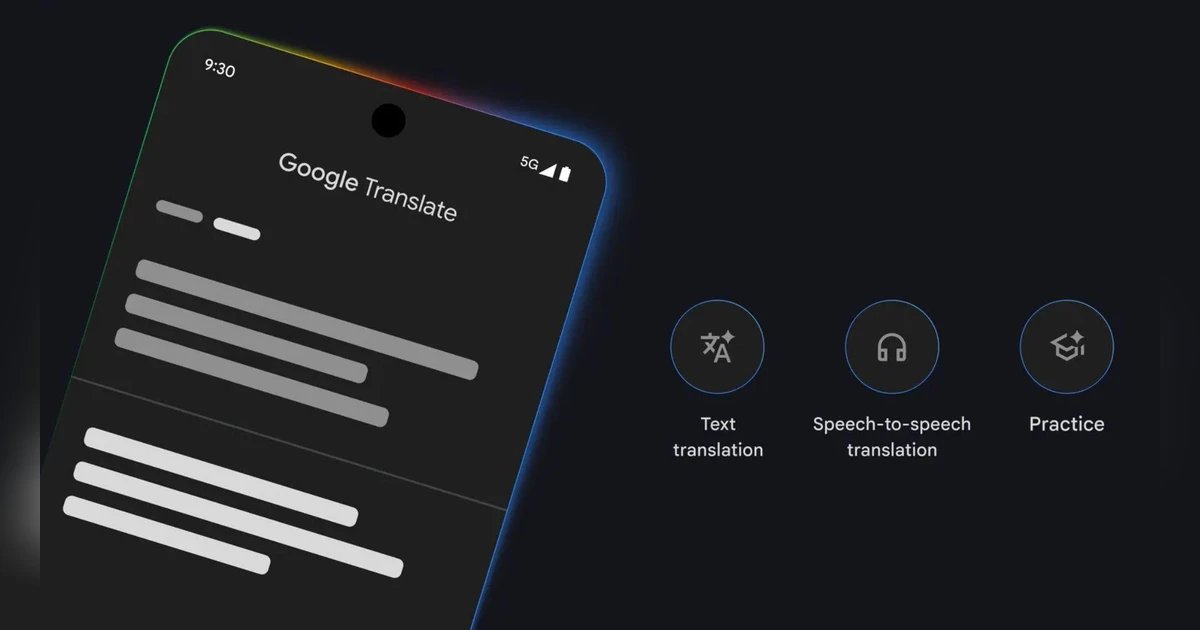
With this update, users can hear real-time translations directly through their headphones, making it easier to follow conversations, travel, or communicate across languages. The Live Translate feature with headphones was first introduced in beta last year.
What is Live Translate with headphones?
Live Translate is a feature in the Google Translate app that allows users to hear translated speech in real time. Instead of reading text translations, users can listen to them directly through connected headphones. Google said that the feature also tries to preserve the tone and style of the original speaker, making conversations feel more natural rather than robotic.
Live Translate: How it works
To use the feature, users need to open the Google Translate app, tap on “Live Translate,” and connect their headphones. Once enabled, the app listens to spoken language and delivers translated audio in real time. This allows users to follow conversations without constantly looking at their phone.
Google said that the feature can help in everyday situations, such as talking to someone who speaks a different language, or while travelling to understand announcements, directions, or interact with locals.
Apple’s native support for Live Translation
Apple also offers a native Live Translation feature on iPhones, iPads, and Macs, which can work with newer AirPods models, similar to how the new Google Translate feature works with headphones.
The following AirPods support the Live Translation feature when paired with supported iPhones:
-
AirPods 4 -
AirPods Pro (2nd generation) -
AirPods Pro (3rd generation) -
AirPods Max (2nd generation)
Apple said that to use Live Translation, users need to download the required language packs for both the spoken and target languages. Once downloaded, all processing happens on the iPhone itself.







