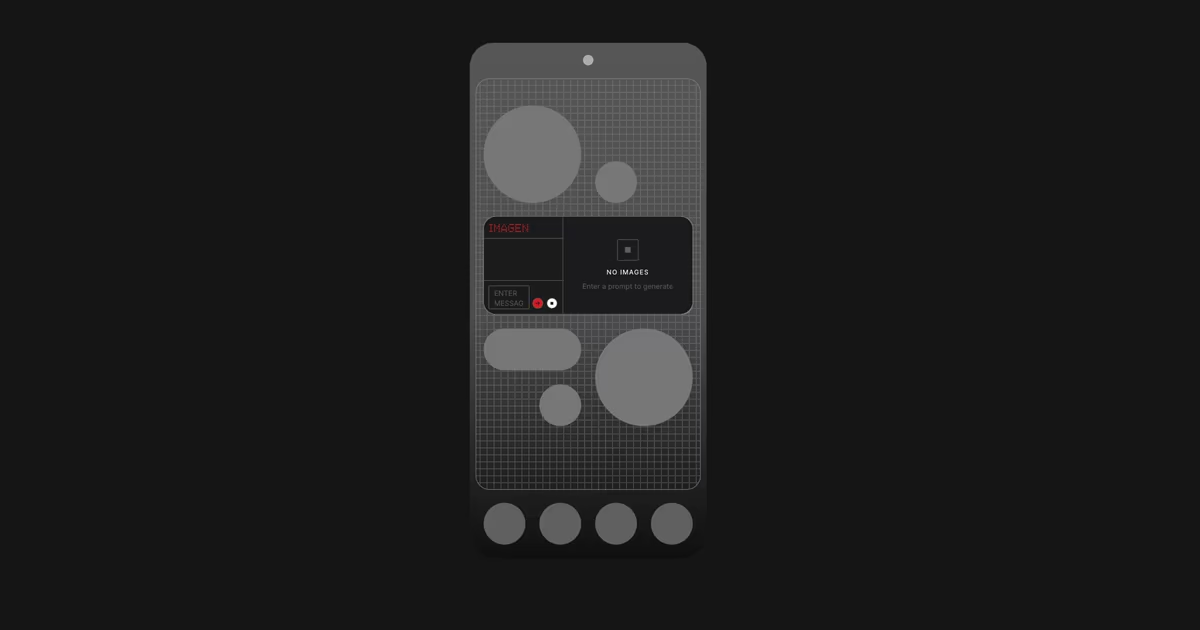
Playground was first introduced last September in an early alpha release aimed at a small group of users. With the beta, Nothing says it is widening access to see how the system performs in real-world use and to gather feedback before a broader public release later this year.
Nothing’s Essential Apps Builder on Playground
What it is
Playground is a web-based platform where users can create, browse, and install Essential Apps on their phones. The actual app creation happens through the Essential Apps Builder, which lives inside Playground.
Instead of writing code, users describe what they want an app to do in plain language. The system then generates a working app that can be deployed to the phone, where it appears on the home screen like any other app or widget.
Nothing says that when users edit an app, only the specific parts that were changed are updated, rather than rebuilding the app from scratch. The platform also allows users to roll back to earlier versions if an update does not work as expected.
For now, Playground itself runs on the web, with a native app planned for later.
What it can do today
In the current beta, Essential Apps support a limited set of permissions: location, calendar (read-only), and contacts. This allows users to build things like location-based reminders, agenda views, meeting countdowns, or one-tap contact widgets.
According to Nothing, support for more capabilities is planned, including access to the camera and microphone, network requests, notifications, vibration, calling, and Bluetooth. A late February update to Nothing OS is also expected to add features such as activity recognition, usage statistics, sensor data, and a system Weather API.
On the design side, Essential Apps currently support image uploads in common formats such as JPEG, PNG, GIF, and WebP. Widget sizes available today are 2×2 and 4×2, with additional sizes like 1×2 and 4×4 planned for a future update. Support for custom icons, audio, and fonts is also expected later in the beta period.
Nothing has also updated the interface around publishing and updates, adding clearer project states to show what is live, what is still in draft, and what has changed.
How you can use it
Users who get access to the beta can sign in to Playground on the web, describe the app they want to build using the Essential Apps Builder, and deploy it directly to their phone. Playground also lets users browse apps created by others and install them to try out.
At this stage, the beta is exclusive to the Nothing Phone 3, which the company says has the performance headroom needed to run multiple Essential Apps while the system is still being refined. Nothing has said that Essential Apps will later roll out to other Nothing and CMF devices running Nothing OS 4.0 and above, once the platform is more stable.
Nothing has also said that Essential Apps are part of a wider set of features, alongside tools like Essential Space, Essential Search, and Essential Memory, but the current beta is focused specifically on testing how user-built apps behave in everyday use.
The company expects Essential Apps to move to a public release later this year, after broader device support and deeper system integrations are ready.







